01
Shared inbox
Bring WhatsApp and connected email into one queue. See the customer, conversation history and request type, assign an owner, and track who is waiting for a reply.
- Keep your existing WhatsApp number.
- Arabic and English conversations.
Your shop running itself
Taalu connects the customer conversation to the appointment, the payment and the next visit, with one shared workspace for your front desk and team.

Bring WhatsApp and connected email into one queue. See the customer, conversation history and request type, assign an owner, and track who is waiting for a reply.
Taalu prepares replies using your services, hours and availability. Review drafts before sending, or enable WhatsApp autonomy for replies and bookings from offered slots.
Manage appointments by team member and service duration. Add, move or cancel bookings; request a deposit to hold a slot and track payment, completion and no-show status.
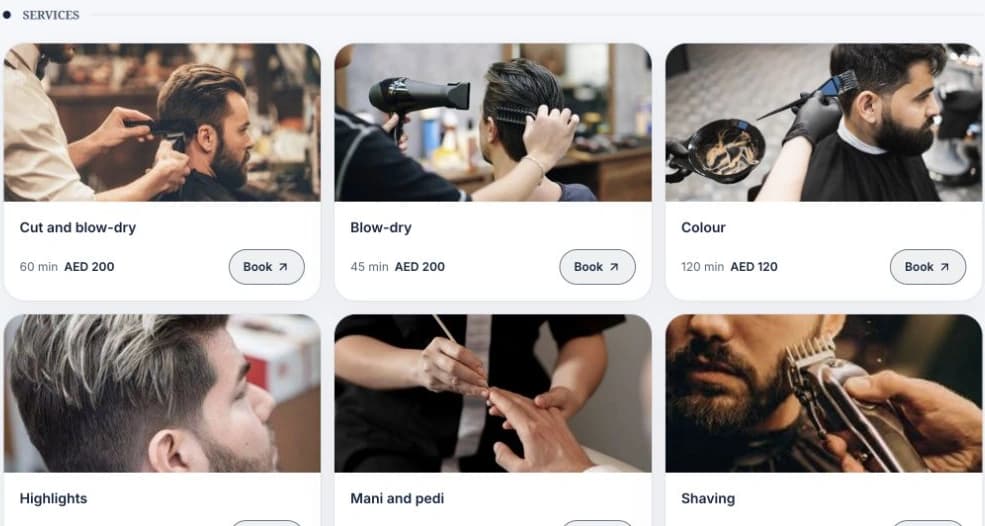
Publish your services, products, gallery, opening hours and team. Customers can choose a service and available time, book online, and buy products or gift cards when payments are connected.
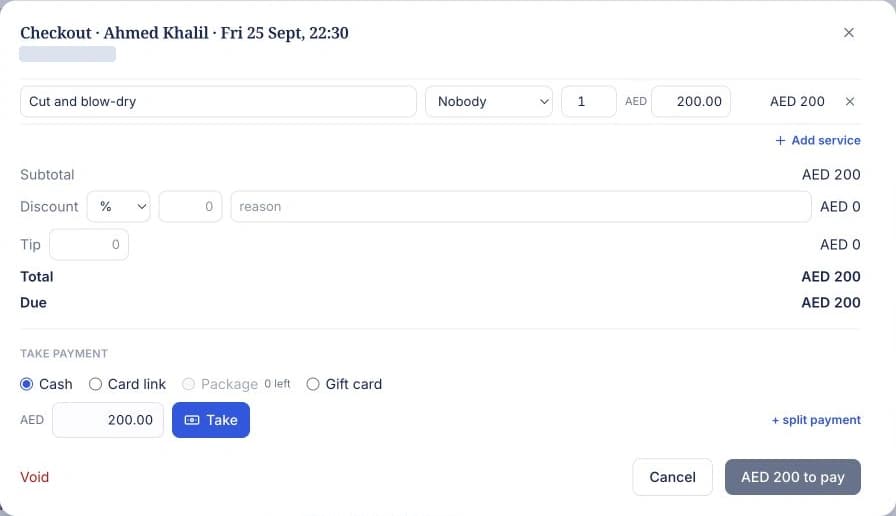
Turn a booking or walk-in into a sale. Add services and products, apply discounts and tips, deduct deposits, and combine cash, card links, packages, gift cards or loyalty points.
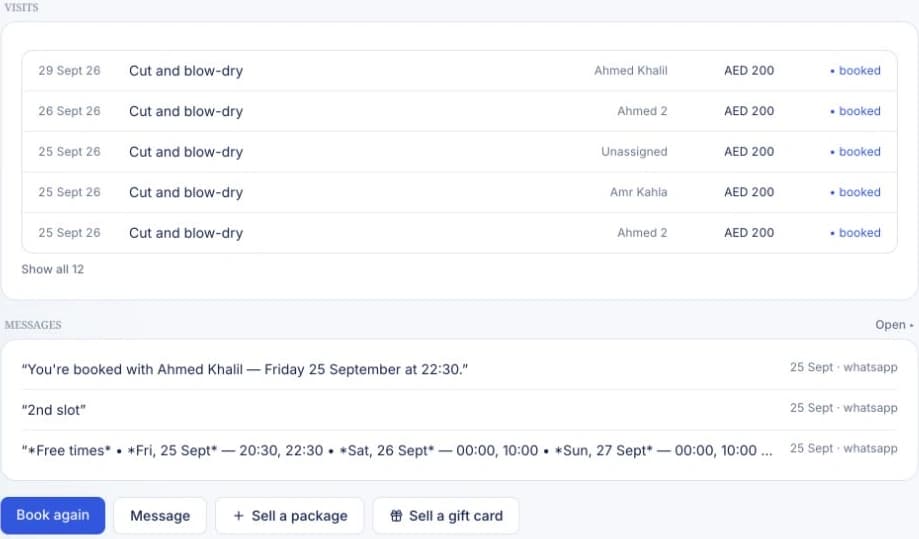
Keep contact details, notes, preferences, labels and visit history together. See prepaid balances, gift cards and loyalty points, and recognise returning clients before their next appointment.
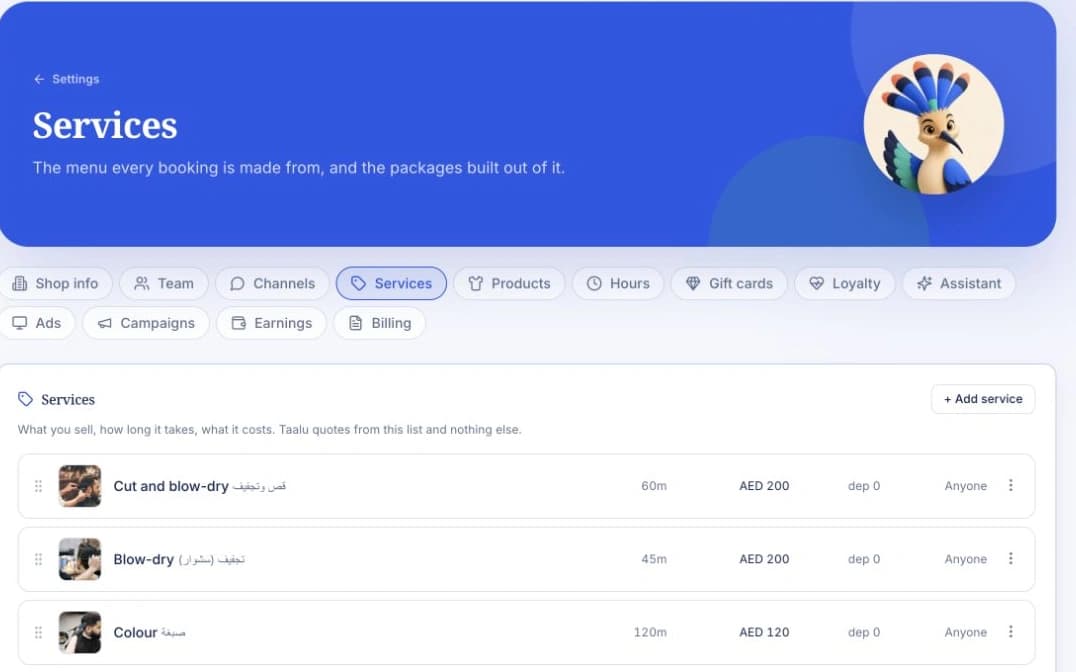
Set service prices, durations, buffers and the people who deliver them. Maintain team schedules, opening hours and closures, with owner, manager and staff access.
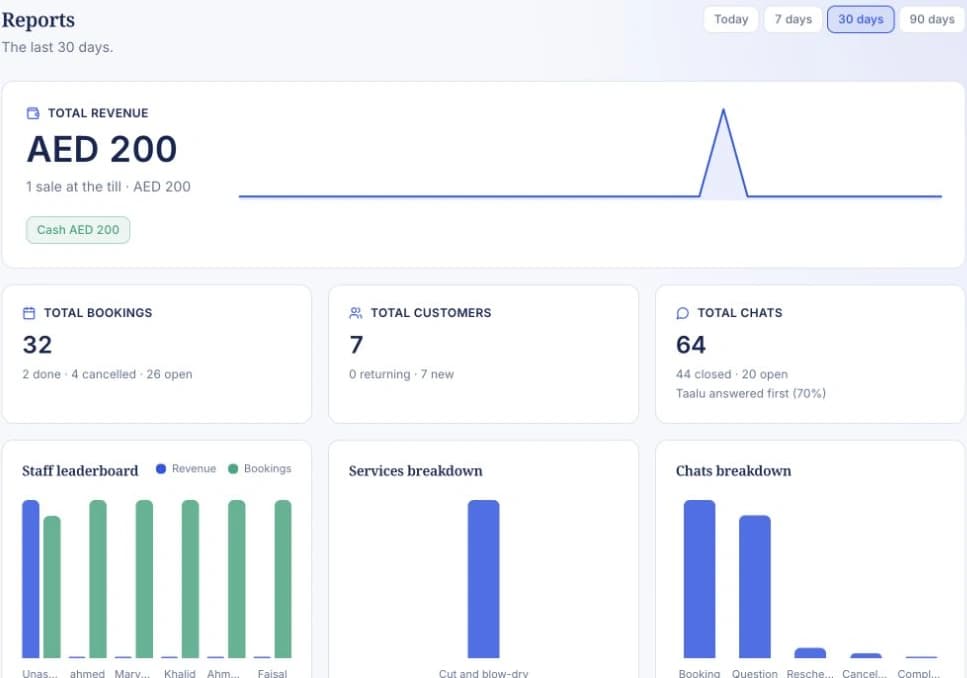
Build WhatsApp campaigns for customer segments, preview audience and cost, then track delivery, replies and bookings. Review revenue, bookings, no-shows and performance by channel, service or team member.
Start with your business, services and team; connect your channels and payment account when you are ready.